
Perchance AI vs FLUX: Why Creators Switch for Sharper, Cleaner AI Art
Looking for a fast, no-sign-up Perchance AI image generator alternative with sharper faces, legible text, and built-in editing? Here is the full comparison.
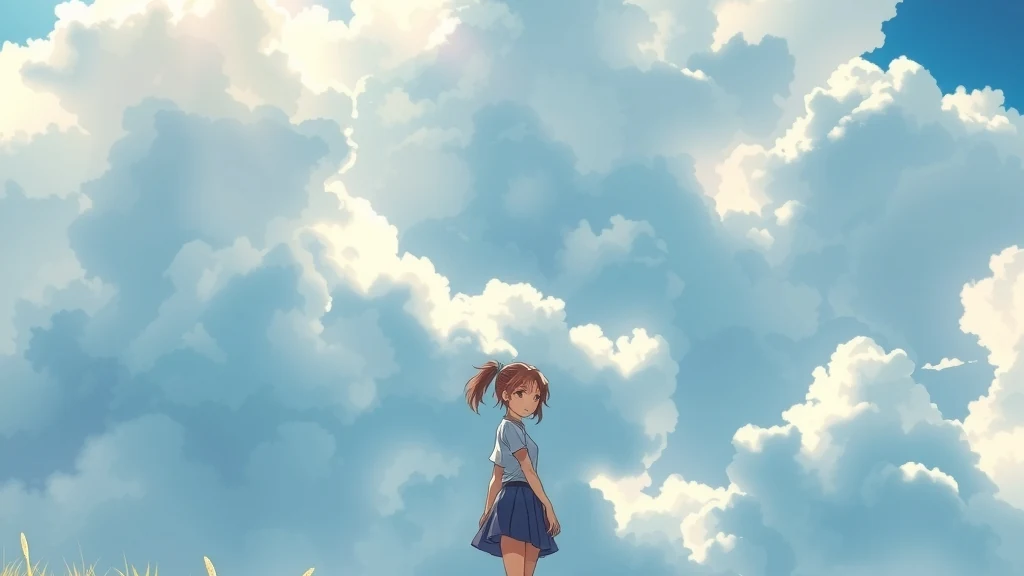
Thousands of creators discover AI art through Perchance AI's text-to-image generator because it opens instantly in a browser with no account wall. For quick, informal brainstorming, Perchance remains impressively accessible. Yet once you try to use those images for client mockups, thumbnails, anime characters, or clean digital design, common friction points quickly appear: soft resolution, warped text inside scenes, inconsistent anatomy, and no integrated editing or upscaling pipeline.
If you love no-sign-up browser convenience but want modern FLUX.1 fidelity and post-generation tools in the same place, here is how FreeImageGenerator compares head-to-head with Perchance AI.
Feature & Output Comparison: Perchance vs FreeImageGenerator
| Capability | Perchance AI Generator | FreeImageGenerator (FLUX.1 + Qwen) |
|---|---|---|
| Account / Credit Card | Not required | Not required |
| Core Model Architecture | Fast lightweight diffusion | FLUX.1 Schnell, FLUX.1 Dev & Z-Image Turbo |
| Prompt Comprehension | Relies heavily on tag lists | Full natural-language sentence understanding |
| Rendered Text & Signs | Often distorted | Clean English signs, book titles & labels |
| Built-In Style Gallery | Community dropdown prompts | Visual preset grid (Anime, 3D, Photo, Oil, Sketch) |
| Edit Existing Images | Minimal native editing | Dedicated Image to Image & AI Photo Editor |
| Background Cutout & 4K | External tools required | Built-in Ben2 Remover & 4K Upscaler |
3 Areas Where Switching to FLUX.1 Immediately Saves Time
1. Natural Language Replaces Tag Stuffing
Older generators force users into rigid comma-separated tag soup ("1girl, solo, anime, sparkling eyes, highres, masterpiece"). With FLUX.1 and Z-Image Turbo inside FreeImageGenerator, you simply write how a photographer or art director speaks: "Editorial anime illustration of a traveler resting beside a train window during sunset rain, warm cabin reflections on glass, crisp cel shading."
- Try Anime Style Directly: Launch Anime Prompt in Generator →
2. Consistent Image-to-Image & Restyling Control
On Perchance, fixing one background flaw means clicking generate 20 more times and losing a great character pose. Instead, upload any draft into Image to Image AI or our conversational AI Photo Editor and describe the exact adjustment—keeping composition intact while upgrading lighting, clothing, or environment.
3. Production-Ready 4K Exports & Clean PNGs
Need an avatar cutout or a crisp 4K printable hero banner? Rather than hopping across three ad-heavy converter sites, send your result straight through our AI Background Remover (powered by Ben2 matting) and AI Image Upscaler to scale resolution 4x cleanly without watermarks.
How to Migrate Your Perchance Prompts in 10 Seconds
If you already have favorite Perchance prompts saved in a text file, do not throw them away—just clean them up using this 3-step method:
- Strip negative boilerplate like
ugly, deformed, watermark—modern FLUX checkpoints ignore weighted negative hacks and respond much better to positive instructions describing clean geometry. - Replace vague quality buzzwords (
8k, super detailed) with actual lens, texture, and lighting specs (50mm lens, linen texture, soft rim light). - Run it through Prompt Booster once to automatically format natural cinematic cues.
Ready-to-Test Prompts Adapted from Popular Perchance Styles
- Cozy Isometric Diorama: Test in Generator →
- Natural Outdoor Portrait: Test in Generator →
- Botanical Watercolor Cover: Test in Generator →
- Sci-Fi Architectural Atrium: Test in Generator →
Head-to-Head Output Breakdown: Portraits, Anime, and UI Text
Portraits & Human Hands
Older lightweight generators frequently render five-and-a-half fingers or glassy eyes whenever people hold objects such as coffee cups, books, or guitars. FLUX.1 Dev and Z-Image Turbo evaluate spatial joint geometry across full phrases, dramatically lowering the number of wasted retries.
Anime & Character Illustration Consistency
Perchance users love anime character exploration, yet keeping costume colors, hairstyles, and atmosphere consistent across panels is difficult in text-only generators. By pairing our Text-to-Image Generator with Image to Image AI and AI Photo Editor, you can lock the pose from image one and change only the backdrop or jacket color in follow-up passes.
Clean UI Cards, Icons & Signage
If you design presentation slides, book covers, or indie product mockups containing words or numbers, lightweight checkpoints almost always scramble letters. FLUX.1 reliably renders crisp signage, T-shirt quotes, and minimalist packaging labels without extra post-processing.
Troubleshooting Common Switcher Questions
Why did my first Perchance-style comma prompt look flat in FLUX?
Models trained cleanly on full captions prefer grammatical English prose over stacked keywords. Instead of writing anime boy, jacket, rain, city, neon, 4k, ultra detailed, write: "Editorial anime scene of a young courier wearing an olive canvas jacket standing beneath a glowing diner awning during evening rain, puddle reflections." Feel the difference immediately by testing the rewritten prompt with our Prompt Booster.
Does FreeImageGenerator add corner watermarks to free downloads?
Never. Every generation, edit, cutout, and 4x upscale downloads cleanly without corner logos or paywalled blur filters.
What if I also want custom background music for my AI art reels?
If you post showcase galleries or tutorials to YouTube or TikTok, you can pair visuals with original royalty-free audio made in our Free AI Music Generator—complete with BPM and key control.
Bottom Line
Perchance remains fun for rapid random experimentation, especially if you enjoy tweaking custom community HTML scripts. But whenever you care about clean faces, sharp text, photo editing, transparent PNGs, and 4K crispness without signing up, FreeImageGenerator's Text-to-Image studio delivers a massive upgrade from the very first render.